Noindex Mastery: A Guide to Control Google’s Index for SEO
Indexing in SEO refers to the process of storing web pages in a search engine’s database, a vital step for visibility on platforms like Google.
Research conducted by OneLy in 2023 found that 16% of valuable pages on websites aren’t indexed, indicating a key area to enhance SEO performance.
Should all pages need to index to get the highest results?
This post will walk you through why you want to noindex webpages from the SERPs, and exactly how to go about doing it.
Noindex a page on Google
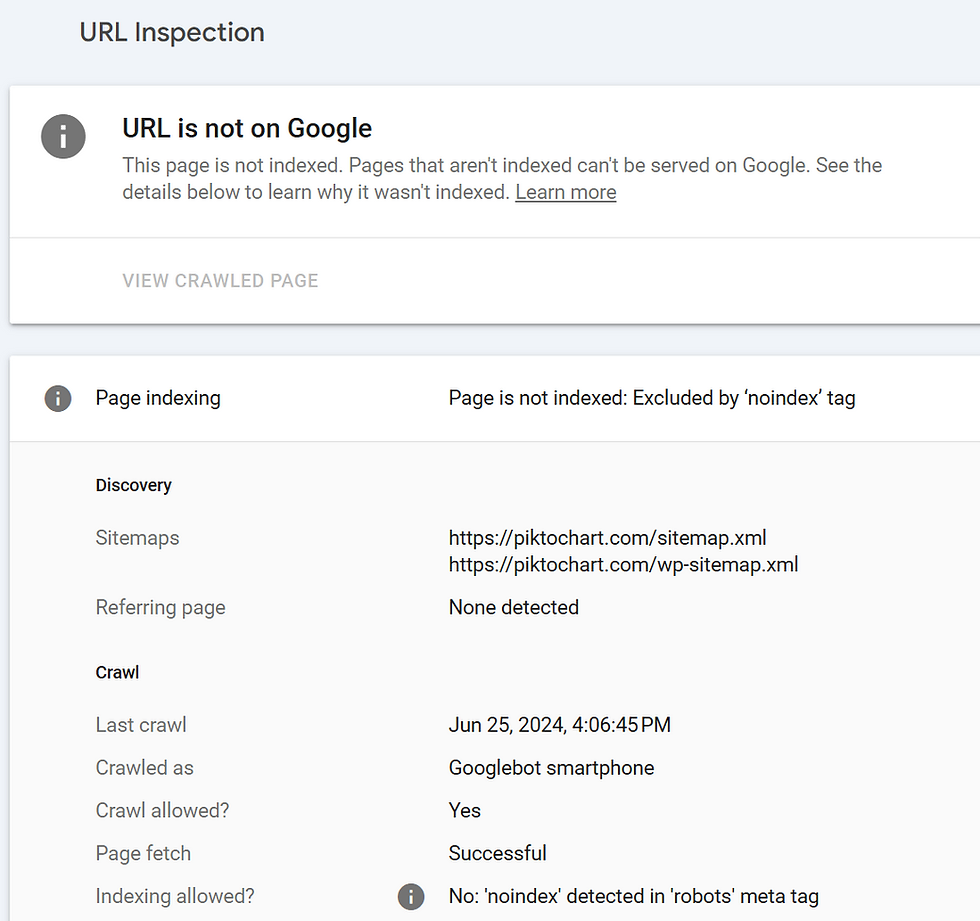
The most common way to instruct search engines to make a page excluded by ‘noindex’ tag in the search results.
Utilizing a noindex tag helps to define valuable content from other pages used to enhance the user experience. This is a helpful tool for your page rankings when you don’t want to show a page in SERPs.
Why the noindex is important for SEO
Indexing tags are necessary for SEO; however, there are certain scenarios where preventing some pages from appearing in search results is beneficial for your website’s overall SEO health and user experience. For example:
- Pages with duplicate or similar contents: the same URL, title, or body content. So crawlers will likely select only one version, and it may not be the version you want.
- Pages that have thin content or are not designed to appear in the search results. That includes newsletters, thank you pages, or login pages and forums to share feedback, comments, questions of customers.
Therefore, using the noindex feature helps you avoid indexing these unwanted pages in search results.
How to Use Effectively the Noindex Feature
Below are five tips to use the noindex tag to support your business’s online success:
- Avoid duplicate content issues
When search engines encounter multiple pages with duplicate content, they may have difficulty in determining which pages are most beneficial for your rankings.
This can lead to several problems such as diluting link equity and ranking signals, and facing the “duplicate content penalty”.
Even when you use it for these same page, it reduces your SEO performance because Google can consider it as a nofollow link.
- Understand that “noindex” is eventually treated as “nofollow”
Webmasters have often used Meta robots tags to signal to search engines that the page should not be indexed but still be crawled. This can be considered “noindex, follow”.
However, this approach may not work, eventually, a “noindex, follow” directive as a “noindex nofollow” – in other words, Google will stop crawling the links on any page with a “noindex” directive.
This can prevent the link pages from being indexed or reduce their pagerank, lowering their rank for relevant keywords.
- Maintain content quality and relevance
Overtime, content on your pages will naturally become outdated (or less relevant).
However, deleting this content isn’t always the best solution. So the tags allow you to keep the content on your site and prevent it from showing up in search results.
- Follow your website frequently to detect SEO issues
Monitoring your website to identify SEO issues that can help prevent losses in index-related traffic. You can use a website auditing tool like Ahrefs to track your website’s SEO health.
For Shopify-one of the most popular platforms, you can refer to some apps such as Booster SEO, SearchPie SEO & speed. Or you can use directly Shopify function to prevent a page from appearing in the search results.
How to use Shopify functions to noindex a page
In Shopify, by default, your store’s robots.txt file tells bots (usually search engine indexing bots, or crawlers) which pages or files they should or shouldn’t request to view from a website.
Here is a simple robots.txt file with two rules:
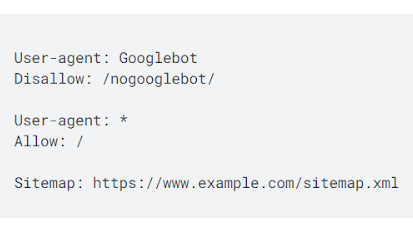
For example, the shopping cart page is requested not to be viewed by search engines. Because it’s unique to individual customers and it isn’t useful to be indexed by a search engine.
All Shopify stores have a preconfigured and optimized robots.txt.liquid template. If you want to edit your robots.txt, then refer to Editing robots.txt.
You can hide pages that are not included in your robots.txt.liquid file by customizing the <head> section of your store’s theme liquid layout file. You need to include some code to noindex particular pages.
- From your Shopify admin, go to Online Store > Themes.

- Find the theme you want to edit, click the … button to open the actions menu, and then click Edit code.
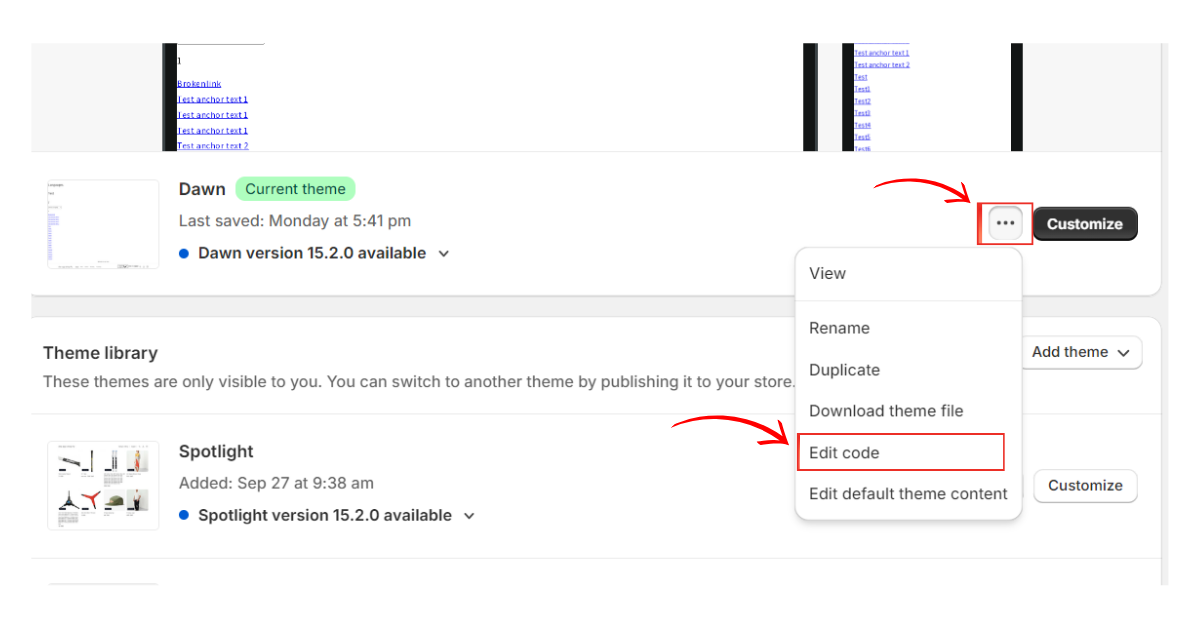
- Click the theme liquid layout file.
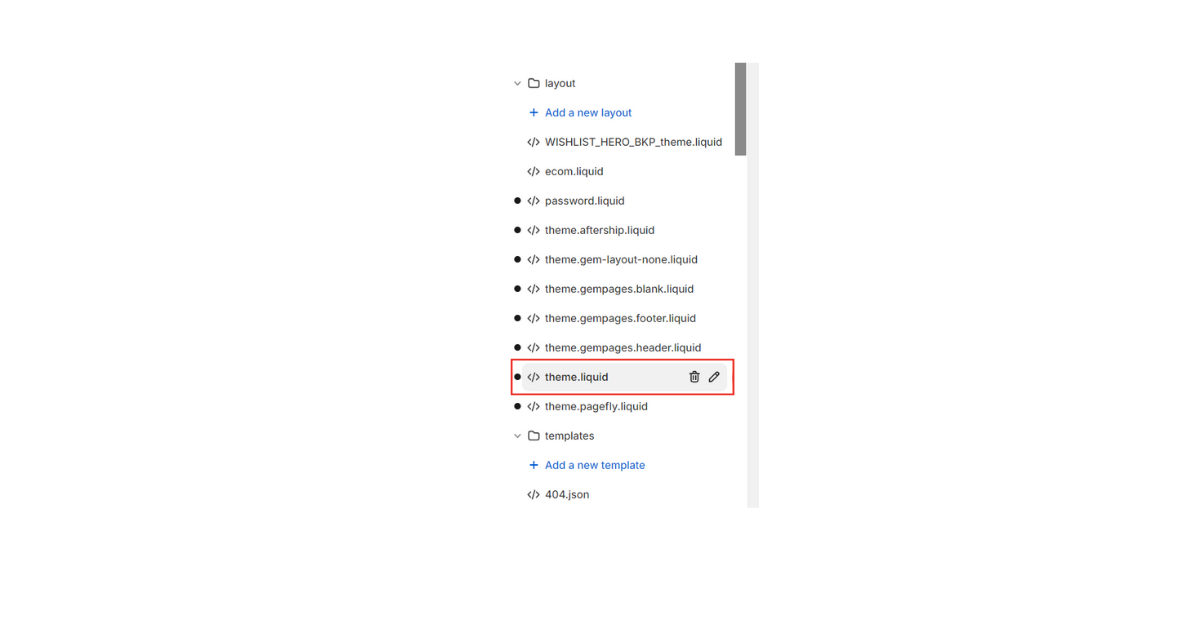
- To exclude the search template, paste the following code in the <head> section.
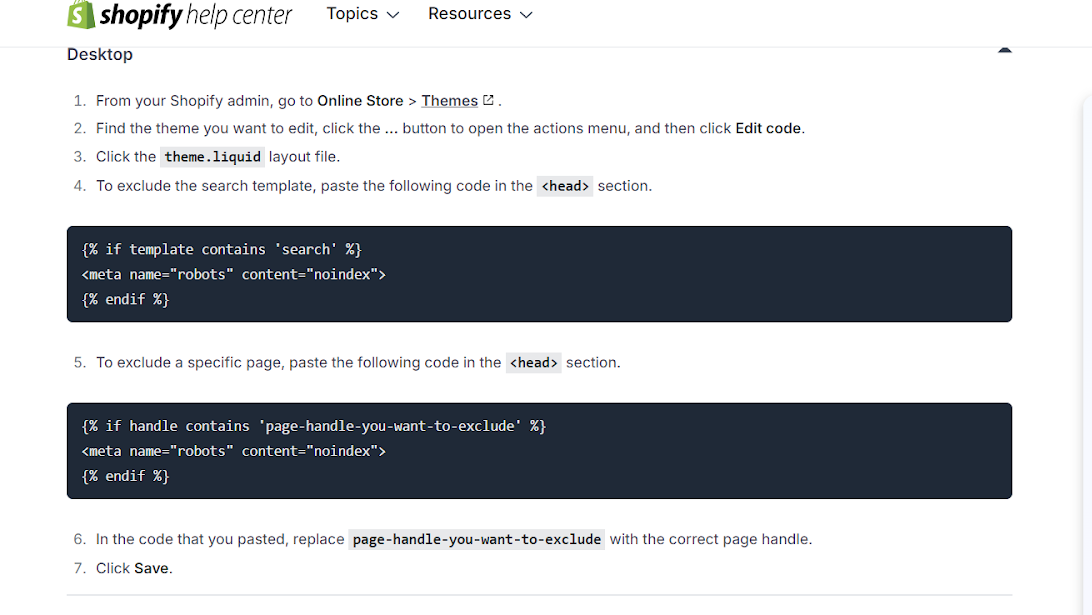
- To exclude a specific page, paste the following code in the <head> section.
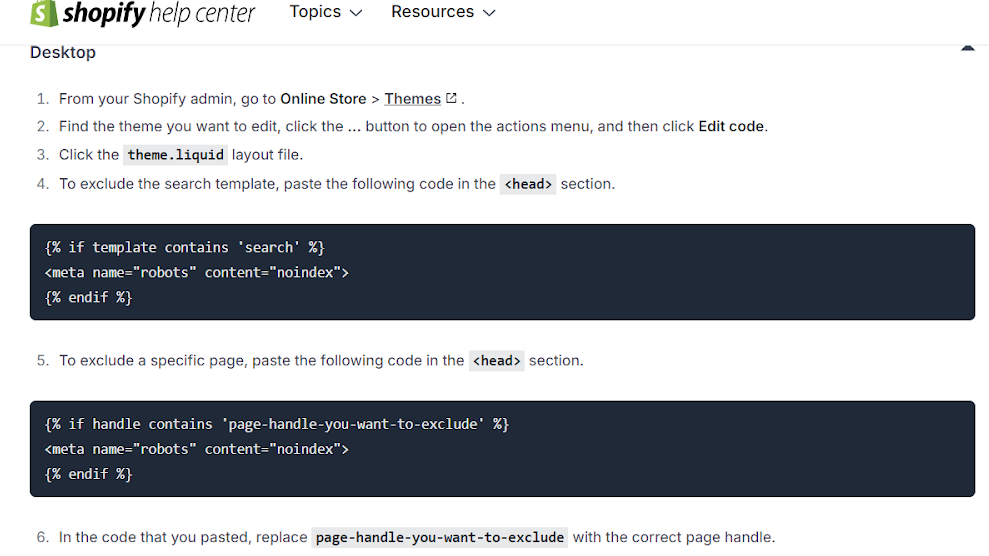
- In the code that you pasted, replace page-handle-you-want-to-exclude with the correct page handle.
- Click Save.
Successfully noindex nofollow a page with SearchPie on Shopify
Noindexing unwanted pages is very crucial for SEO, but on Shopify platform, it requires many complicated steps that you have to edit your store’s code.
To make it easier, Shopify merchants can use third-party apps for facilitating their process.
SearchPie is a powerful and user-friendly app that helps improve SEO performance with the noindex feature in Google Booster. Search Pie is available on Shopify app store and you can install it to experience amazing features.
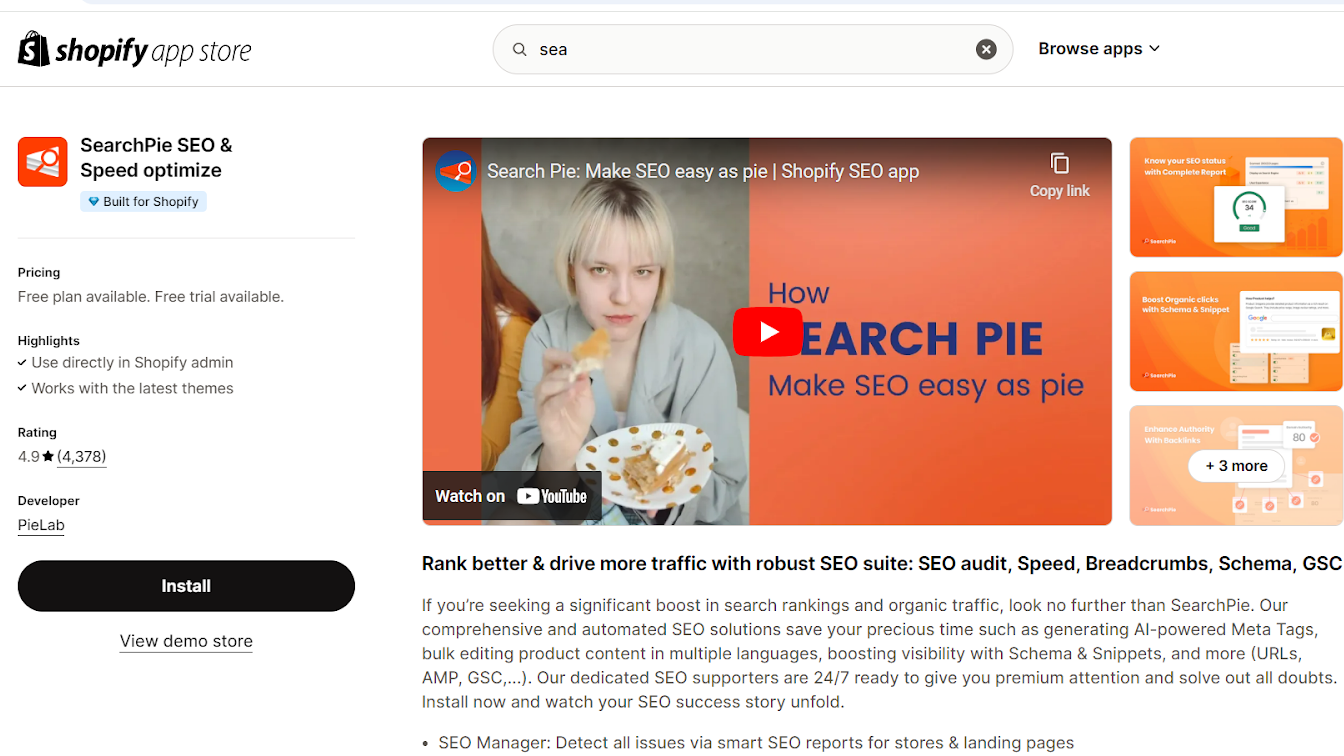
One of the outstanding features Search Pie provides is Google Index.
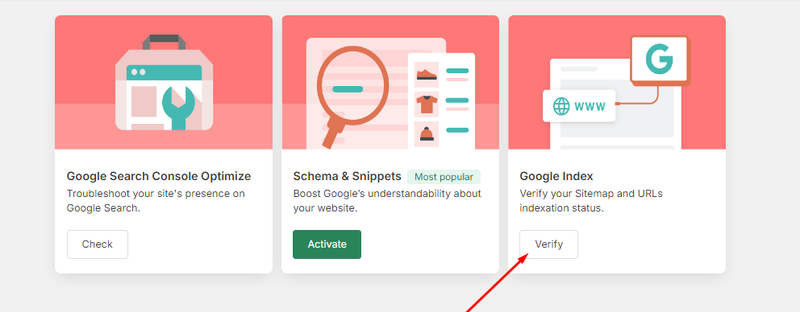
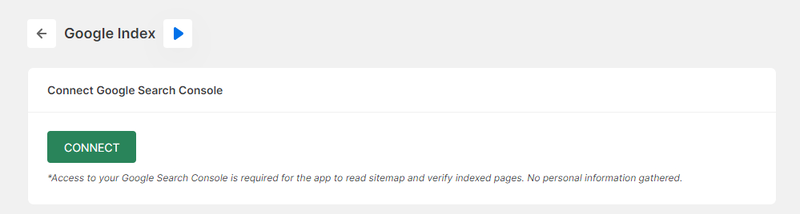
To get started, please go to the Google Index, and click Connect to log in your Google Search Console account.
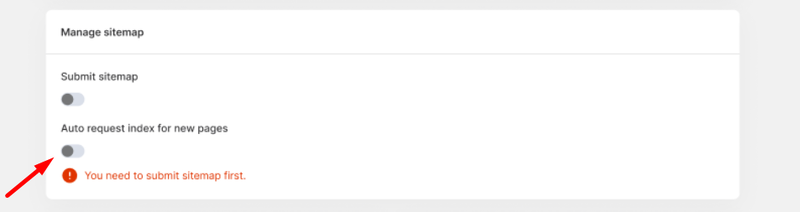
Please notice that, if you want to request an index for new pages automatically, we have an auto feature for that. After submitting your sitemap, the manage sitemap tab will appear and you can enable the auto tool.
If you want to index or noindex a page, even check the status of a page, you can scroll down and add a link to verify. Then, you can choose your request.
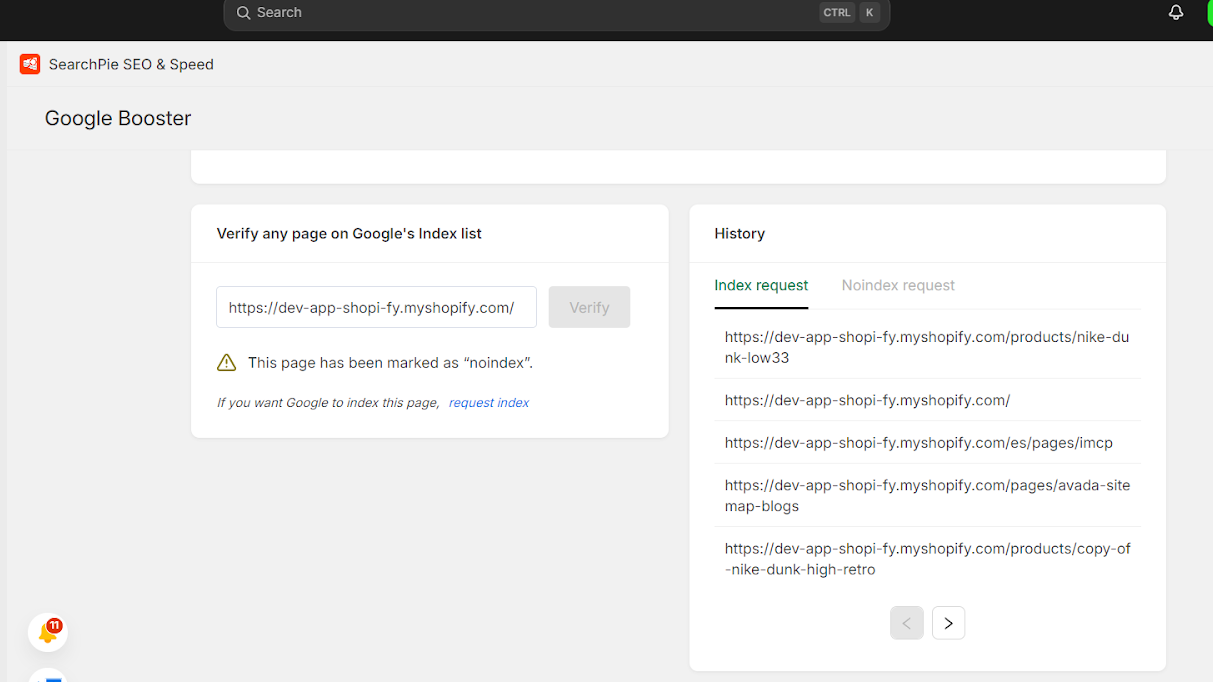
SearchPie app has a history of index/ noindex request, so you can adjust it to your needs.
If you have any questions, you can access to Help Center at the bottom of page, or you can directly contact to SearchPie’s supporters at any time.
Conclusion
Using noindex tag brings many benefits to optimize SEO performance when you can control all page showing up in the search results. However, there are many tips Shopify merchants need to cover to avoid mistakes in the index page.
If you have a handful of Shopify pages that need to stay live without appearing in search results, you can start capturing more of those lost leads again in a few clicks with SearchPie.